Invoices
Here TigerGraph Savanna users can check, reference, and export their invoice information.
View and Export an Invoice
To get started with Invoices follow the steps below:
-
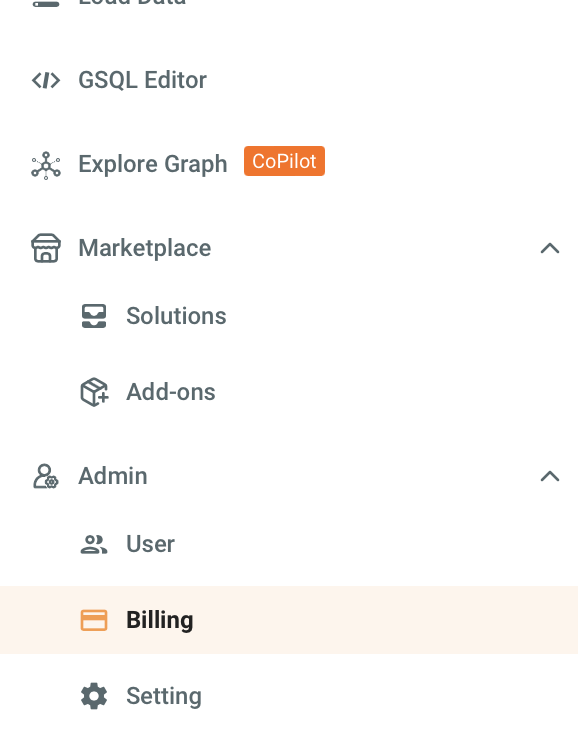
Navigate to the Billing tab in the left navigation.
-
Select the Invoices tab to view the invoices list.
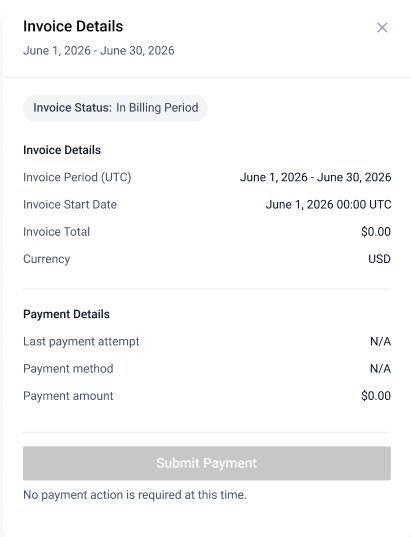
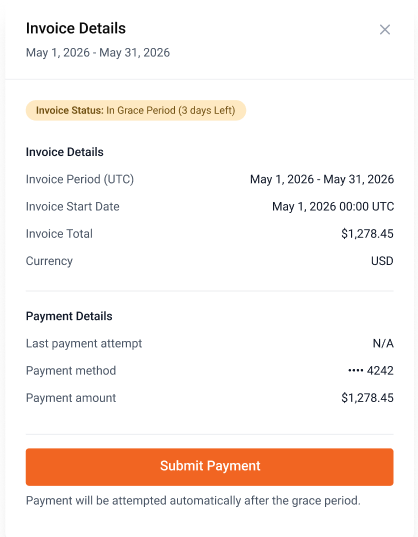
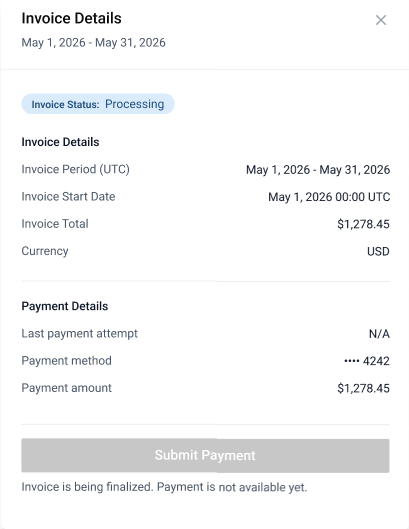
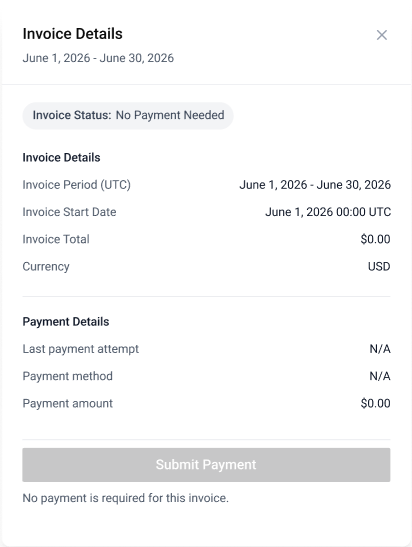
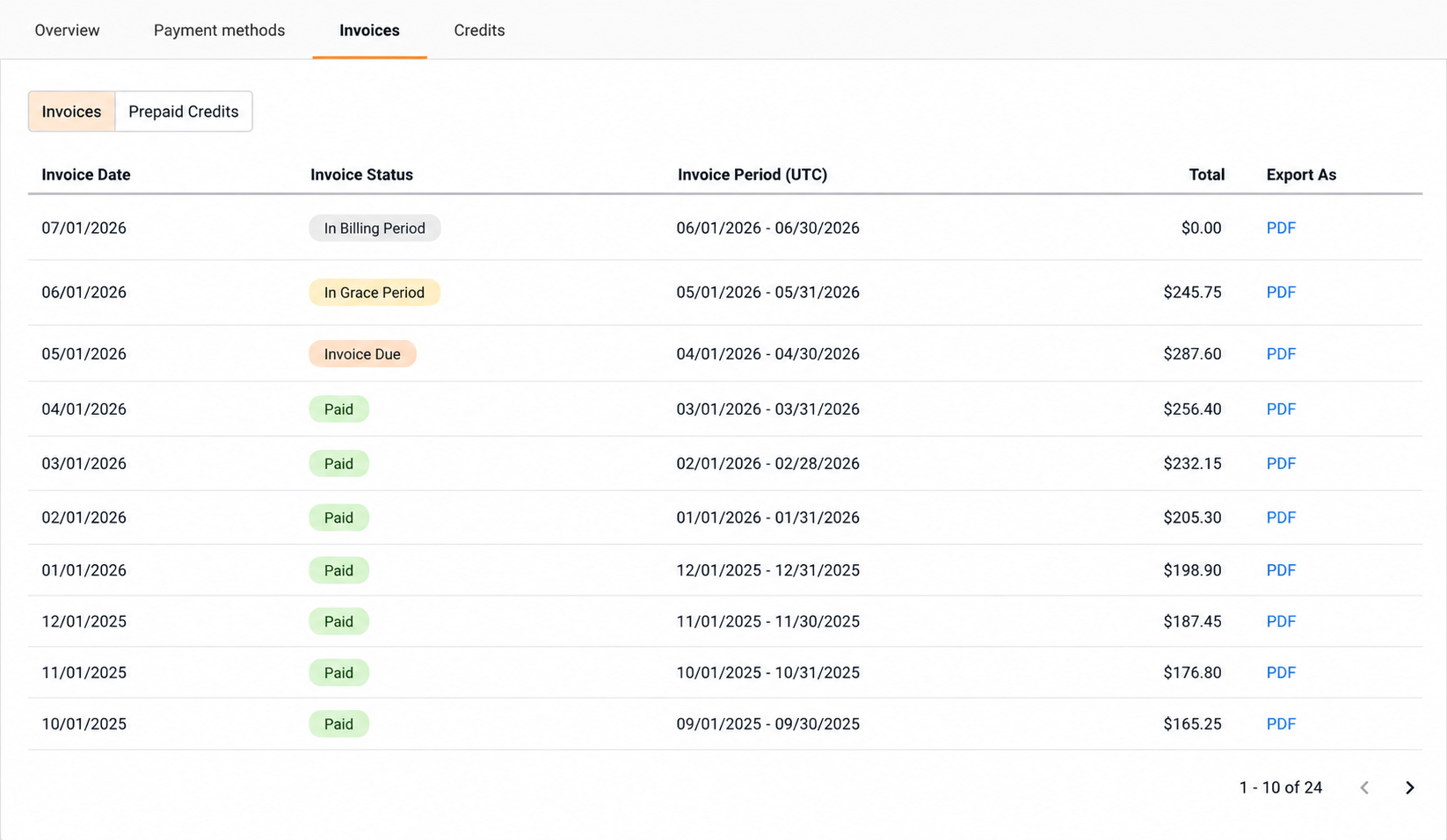 Here you can view general information on invoices, such as:
-
Invoice Date: The date the invoice was issued.
-
Invoice Status: The status of the invoice.
-
Invoice Period: The period that the invoice was issued in.
-
Total: Total charge during that invoiced period.
-
-
To export a specific invoice as a
.pdfselect the PDF button under Export As.