Create a workspace
A workspace is the compute you attach to a database. You create one in two places:
-
Step 2 of Create Workgroup — after you click Next on Create a workgroup, you must create the first workspace for that workgroup.
-
Inside an existing workgroup — open the workgroup and click Create Workspace to add another workspace, for example a read-only workspace on the same database.
If Savanna just finished sign-up provisioning, you already have a workspace. Wait until its status is active, then go to Design a schema.
Create the workspace
-
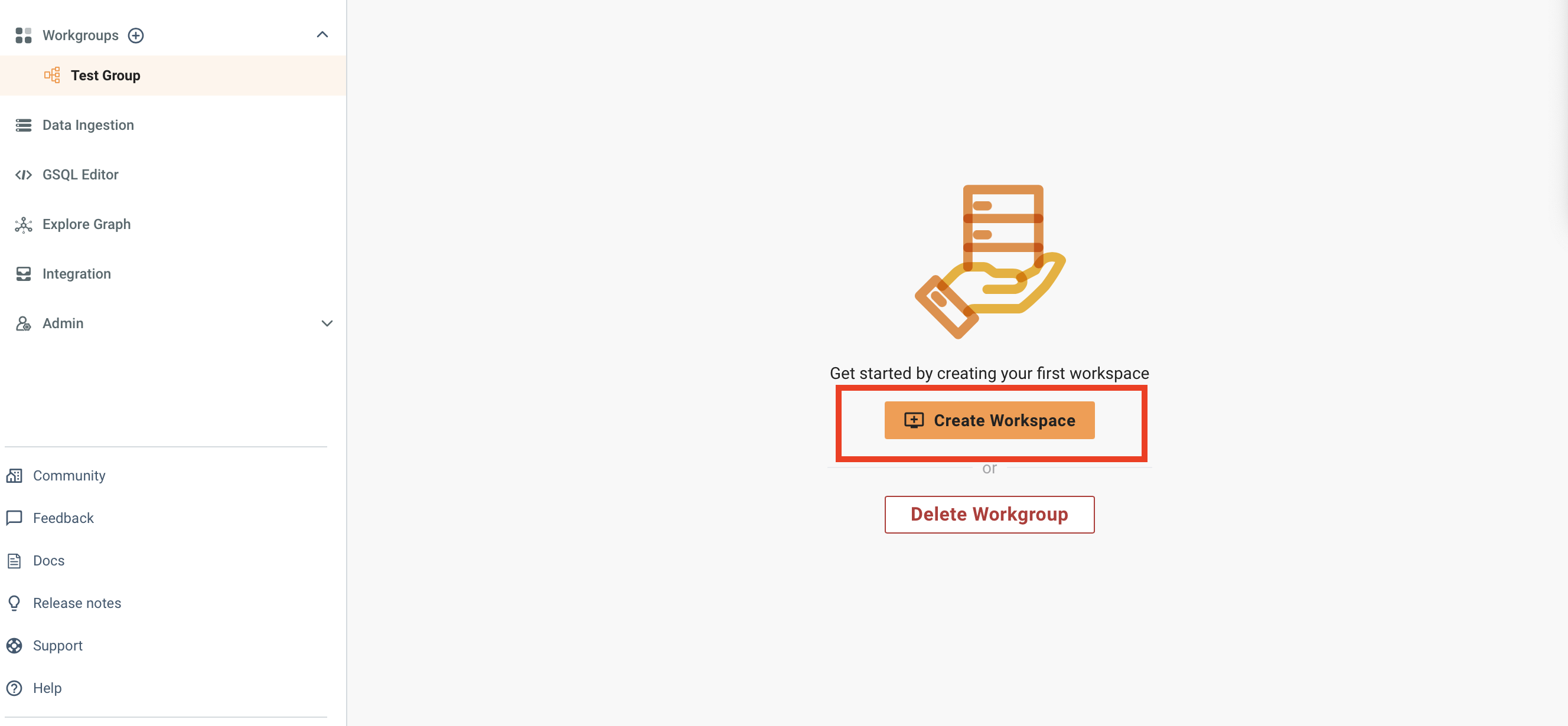
If you are not already on Create Workspace (step 2), open Workgroups and click Create Workspace.
-
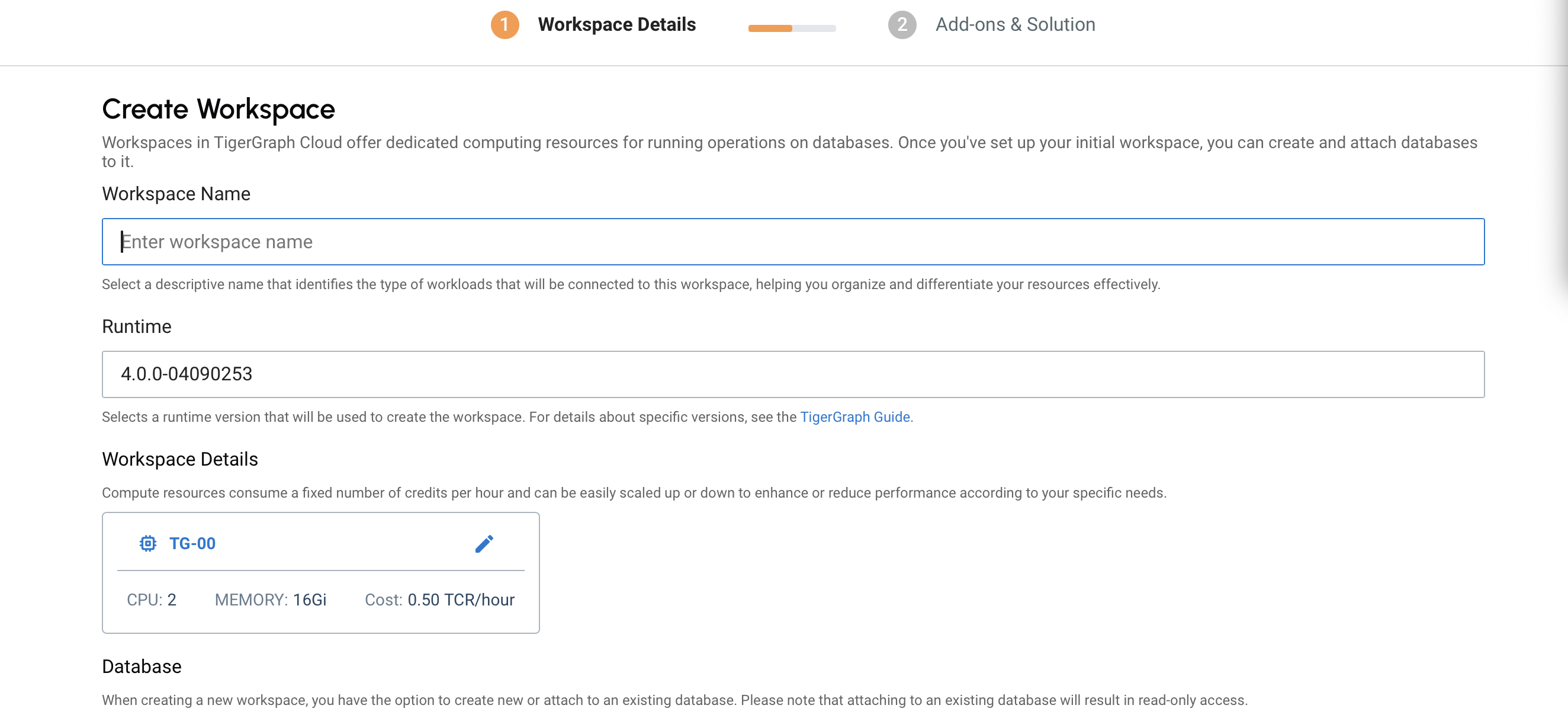
Name the workspace.
-
Select a TigerGraph workspace runtime.
-
Choose a size and any advanced settings you need now. You can change size later. See Choose a workspace size and Workspace settings.
-
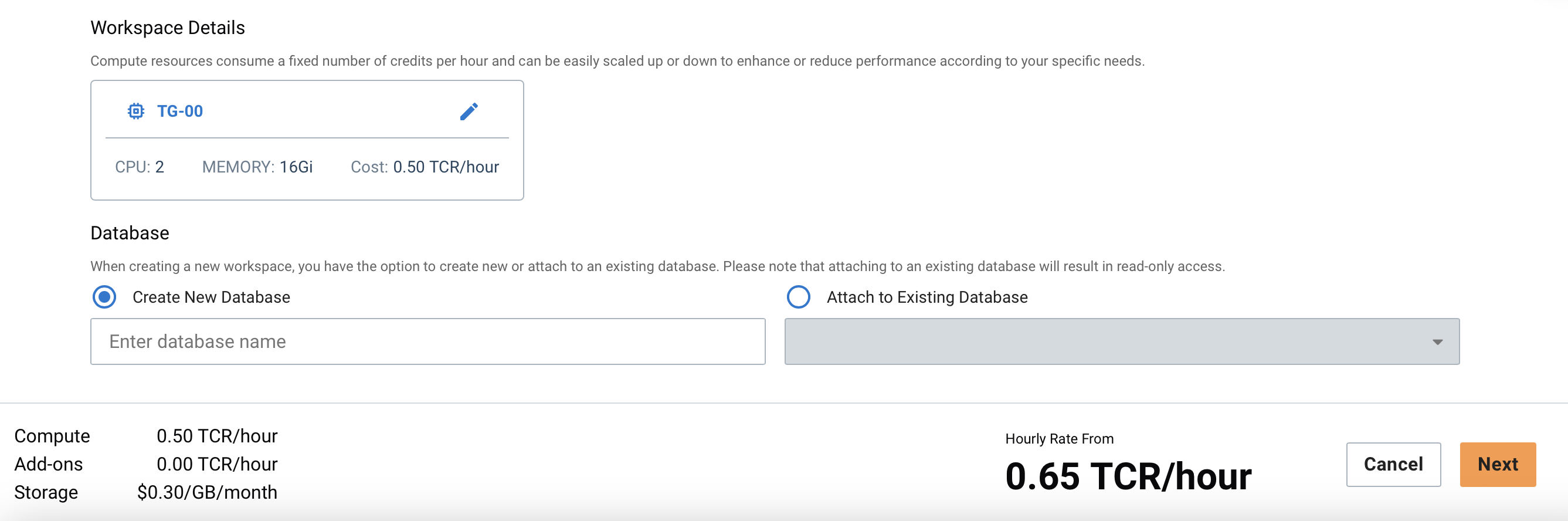
Create a new database, or attach this workspace to an existing one. A new database makes this workspace read-write. Attaching to an existing database makes it read-only. See Read-write and read-only.
-
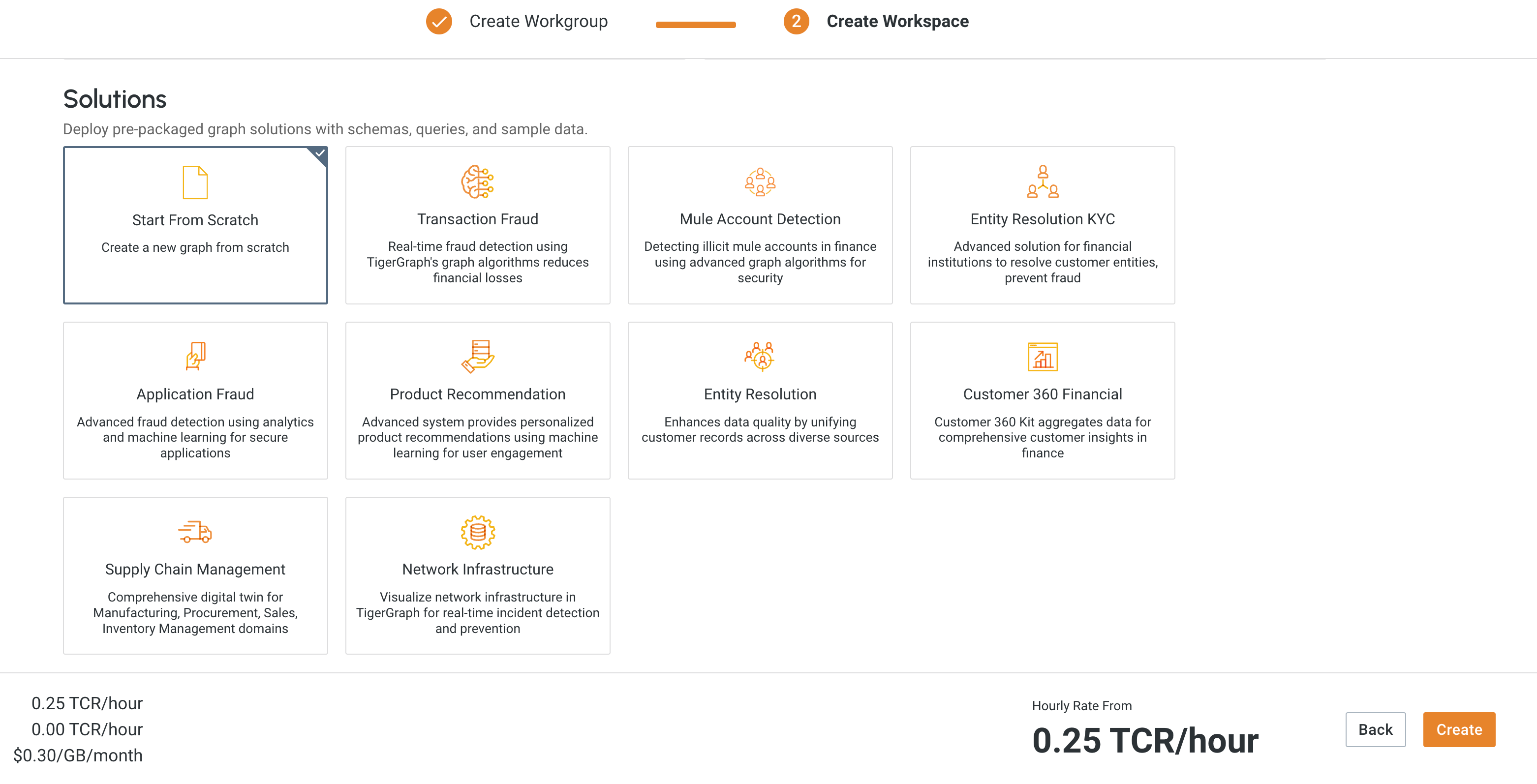
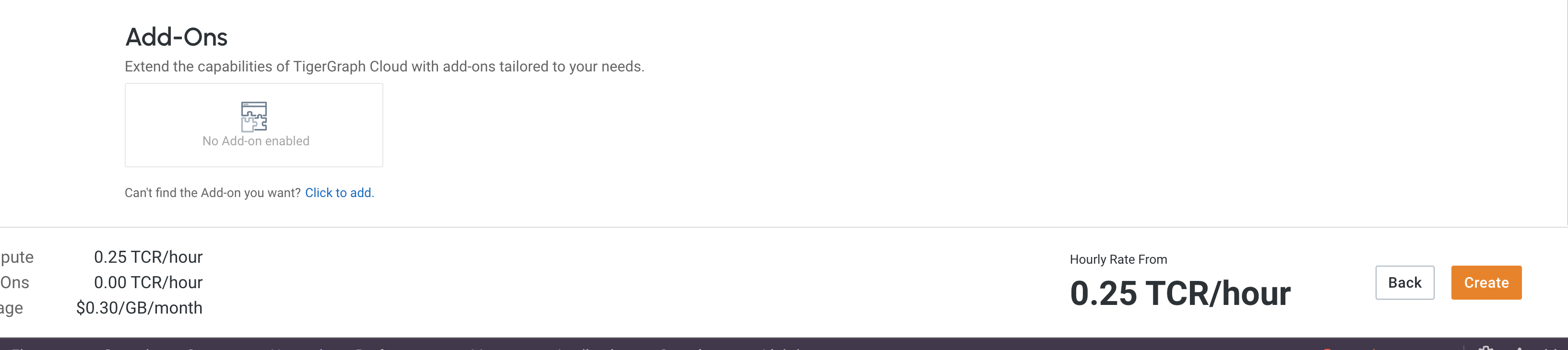
Optionally add a solution or add-ons. You can do this later from workspace settings.
-
Click Create. If this is step 2 of a new workgroup, that finishes both the workgroup and the workspace.
A database can have only one read-write workspace.
If you terminate the read-write workspace, you cannot create another one for that database.
-
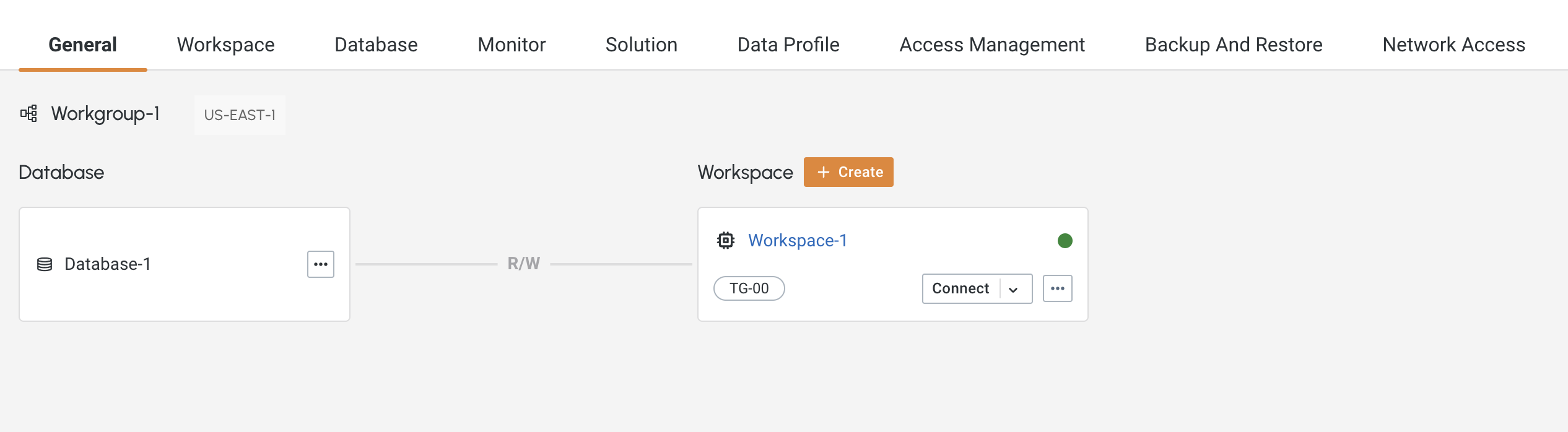
The workspace starts to build. Watch progress on the General tab.
-
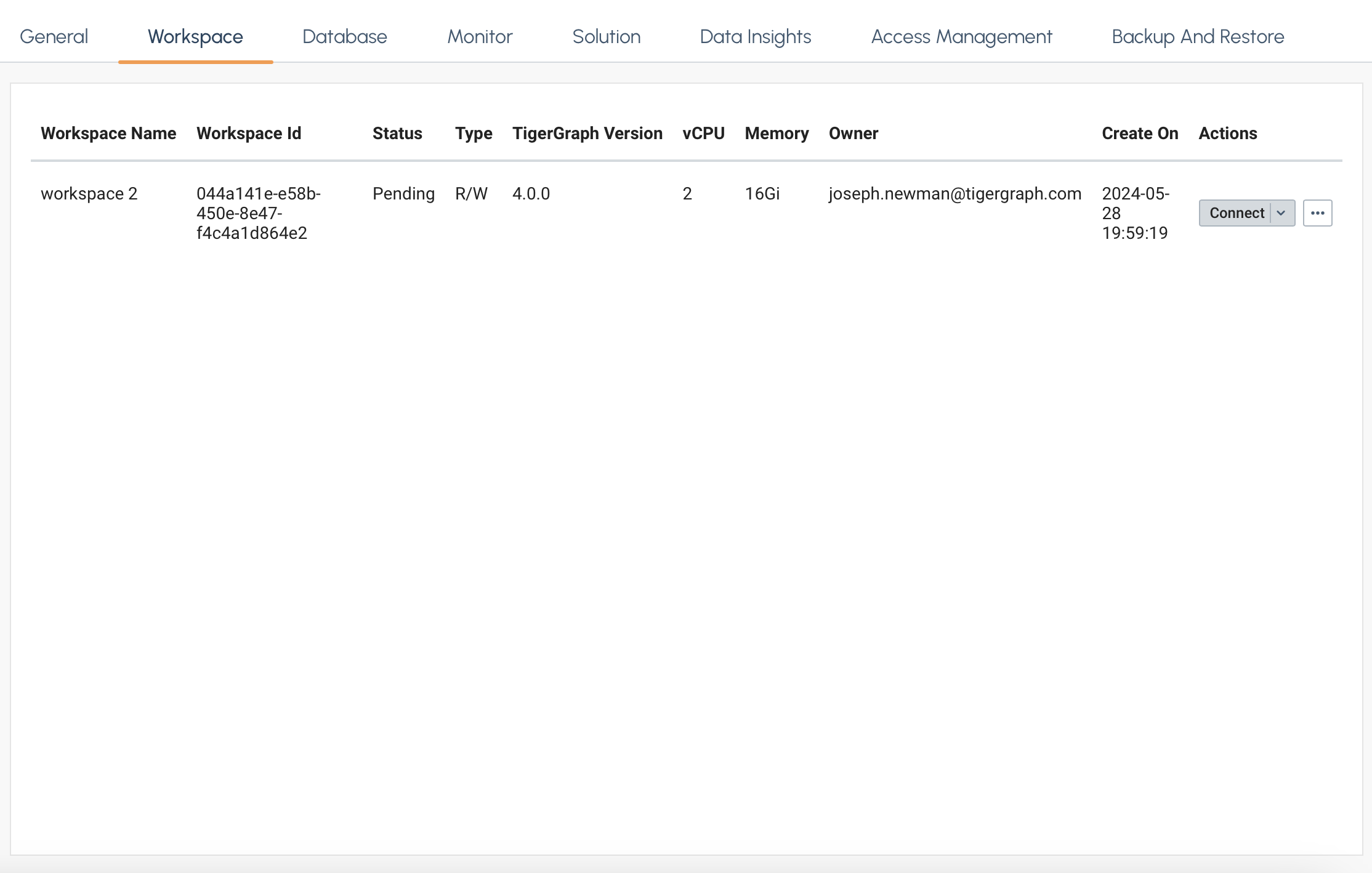
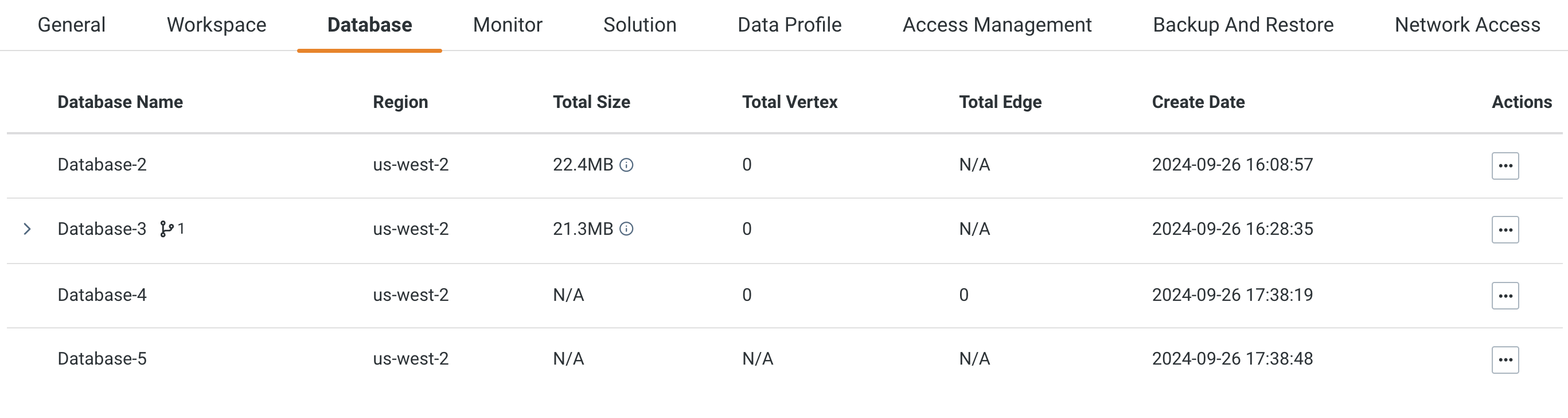
When it is ready, use the workspace tab for compute details and the database tab for the attached data.
Where to go next
-
Design a schema on the new workspace