Create a workgroup
Creating a workgroup is a two-step wizard: you name the workgroup, then you create its first workspace on the next screen. You cannot finish a new workgroup without that workspace.
After you sign up
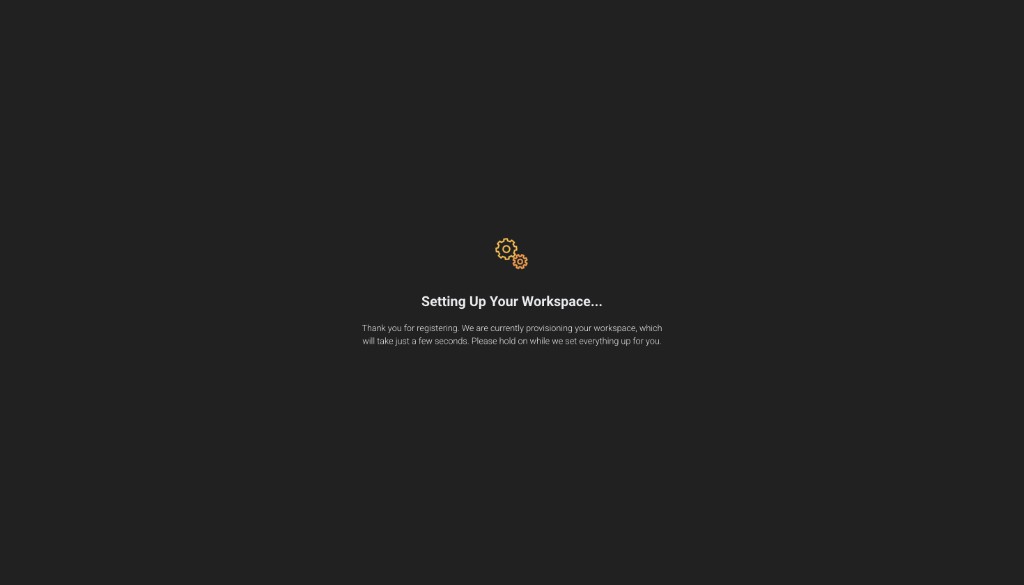
The first time you register, Savanna provisions a workgroup and a workspace for you. Wait until setup finishes, then start building — you do not need to create either one to try the product.
Use the steps below when you want another workgroup — a second project, team, or environment.
Create a workgroup
-
Sign in to TigerGraph Savanna.
-
From the dashboard, open Workgroups and click Create Workgroup, or the
 button next to Workgroups.
 -
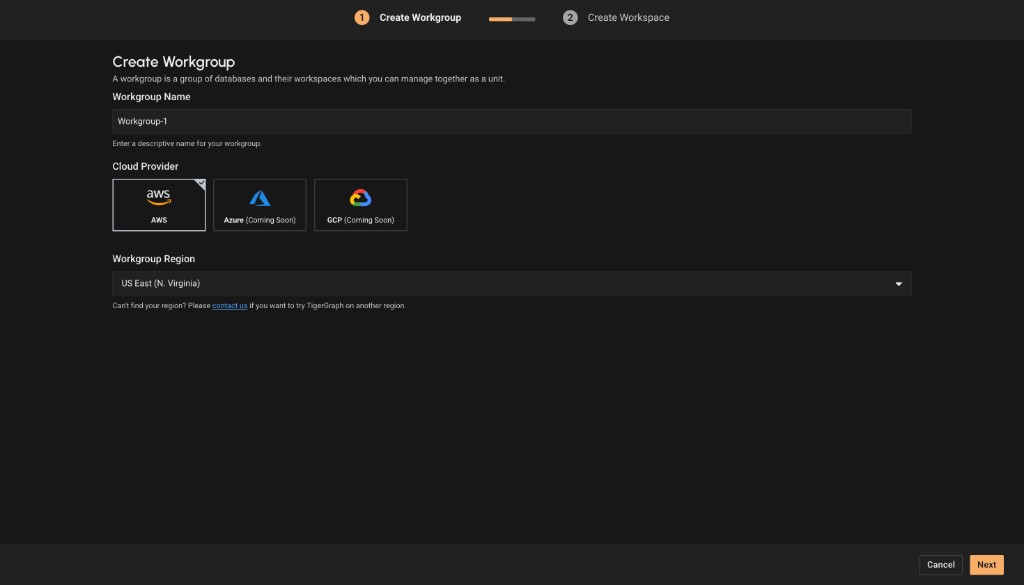
On Create Workgroup (step 1 of 2), name the workgroup.
Name it after the project or team it serves, such as
fraud-detectionorcustomer-360. -
Choose the cloud provider and region. AWS is available. Azure and GCP are marked Coming Soon.
-
Click Next. That opens step 2, Create Workspace.
Where to go next
-
Create the first workspace (step 2 of this wizard)