Load data
Load data into a TigerGraph database from local files or connected sources.
Load data overview
-
Select an active workspace from the dropdown menu.

-
Click on
 to load your data into TigerGraph.
 -
Chose one of TigerGraph Savanna various types of connectors that allow you to load data into your graph database.
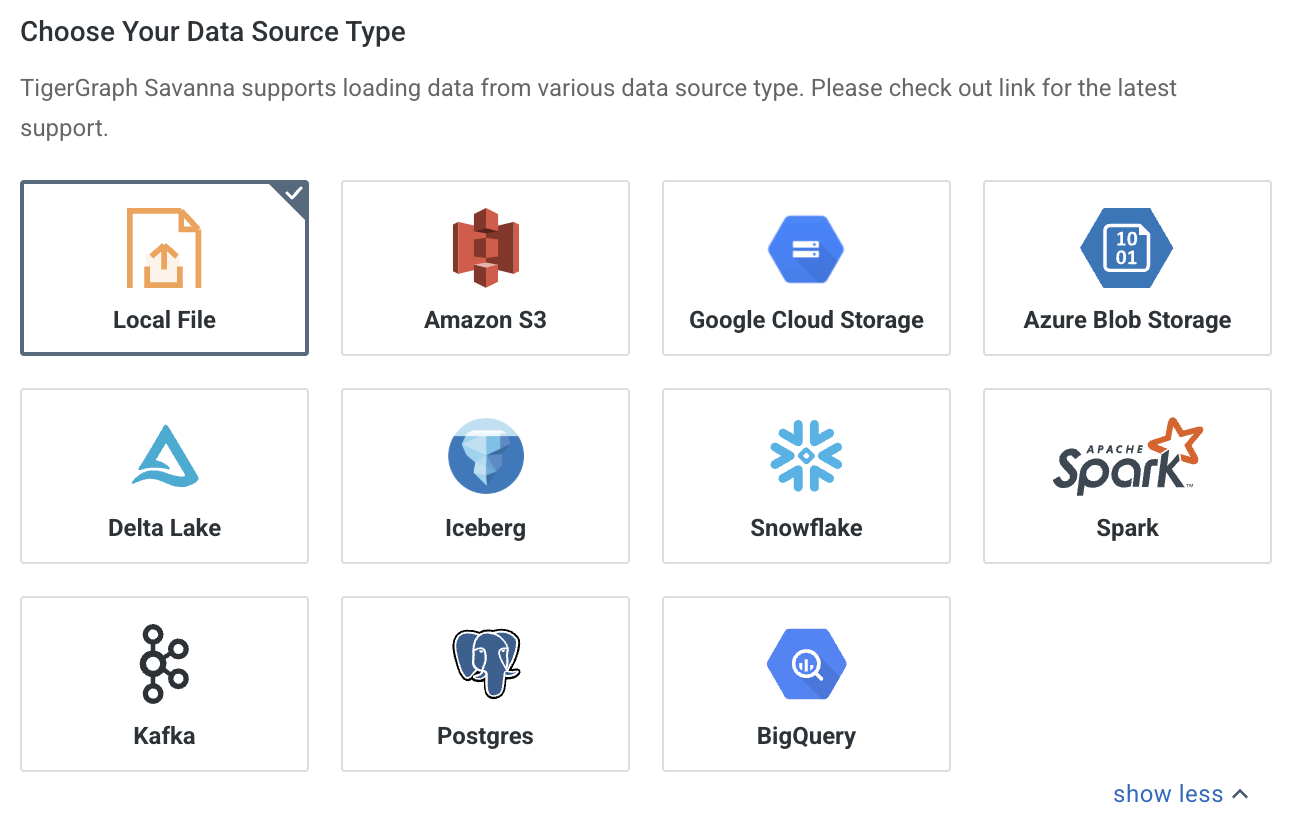
-
The data loading tool offers two different approaches to make it easier for users to load their data based on their specific needs and preferences.
-
Step-by-Step Guide: The data loading tool includes a user-friendly interface that guides you through the data loading process step-by-step. This approach is suitable for users who prefer a visual and interactive experience.
The step-by-step guides helps you:
-
Configure the data source.
-
Map the data to your graph schema.
-
Customize import options.
-
-
GSQL Template: Is for users who prefer a more programmatic approach or have complex data loading requirements. The GSQL template option allows you to define custom data loading logic using GSQL scripts. So, you have more flexibility and control over the data loading process.
You can leverage GSQL’s powerful features to transform, validate, and load data from various sources into your graph database.
-
Data loading tool limitations
When selecting a data source a step-by-step guide might not always be available. When this is the case users will see Open in GSQL Editor on the bottom right of the panel.

|
As of Oct. 31, 2024, the step-by-step guide supports loading from Local File, Amazon S3, Google Cloud Storage and Azure Blob Storage. We are actively working on adding support for more data sources. |
Data sources
|
Load data from a file on your machine. |
Load data from an Amazon S3 bucket. |
|
Load data from a Google Cloud Storage bucket. |
Load data from Azure Blob Storage. |
|
Load data from Snowflake. |
Check loading status for additional sources, including JDBC. |
Where to go next
-
Design a schema if you still need to define vertices and edges.
-
Build for the full set of schema, load, and query workflows.